This section describes how to manage user account and create users
Account page
The account page allows user to change their password. If you have forgotten your password, please reach out to the instance manager.
Users page
This page allows users to manage collaboration rights across people and projects.
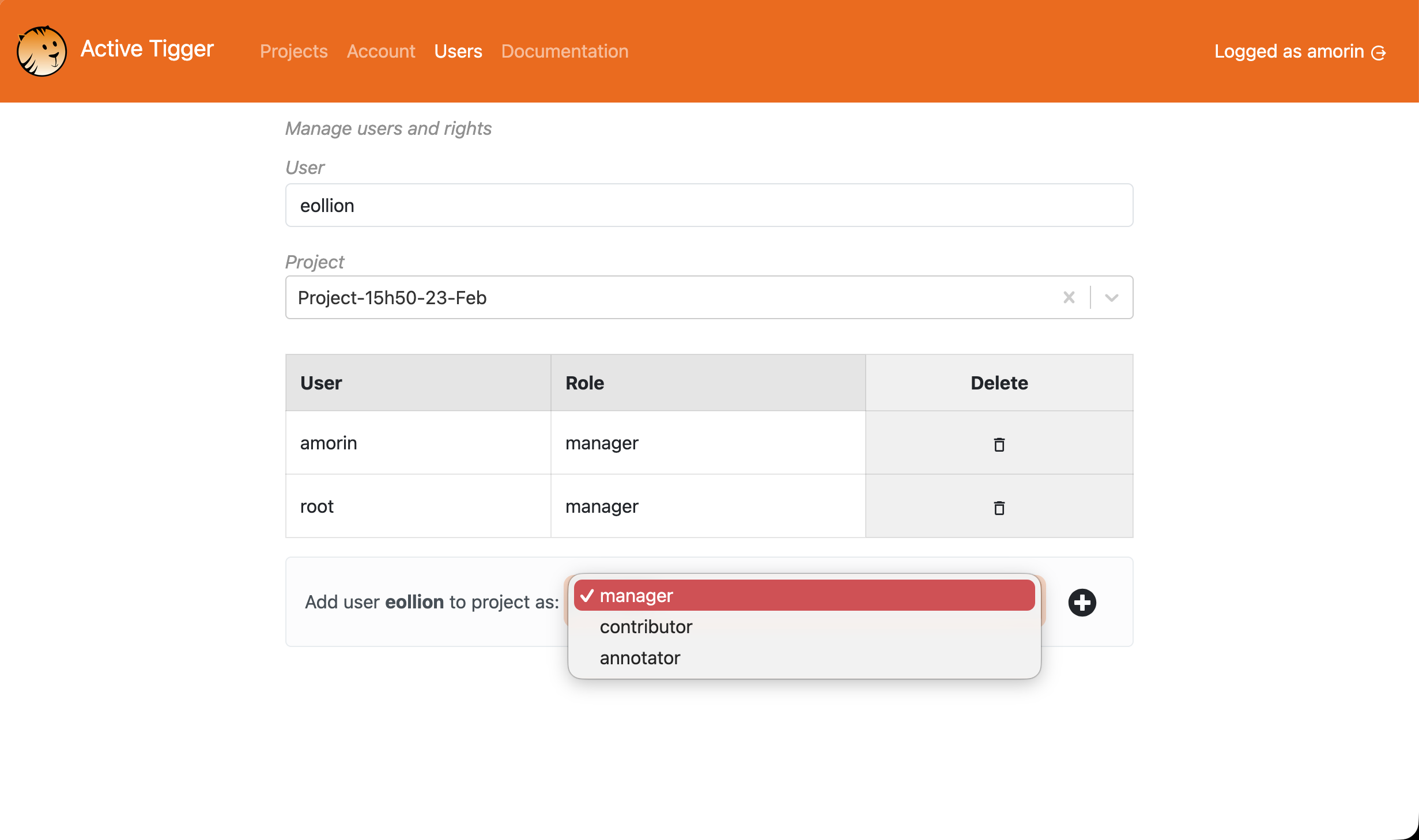
Three roles are defined with different rights:
- root: Only one root account. This user can manage the rights of anyone and has access to ALL projects as a manager. Root has also access to the Monitor page.
- manager: Default role when creating a project. Managers have access to the data, can annotate, train models, compute features, and delete anything.
- collaborator: Collaborators have the same rights as mangers but cannot delete anything.
- annotator: Annotators only have access to the Codebook page, Explore page and the Annotate page.
Each role is project dependant and can be managed by managers of a project. After selecting the appropriate project, they can type the name of a user and grant them the appropriate rights.